I received this helpful email message on how to make nonprofit videos more accessible, by Nikki Bell & Simon Scriver at Fundraising Everywhere, and I wanted to share it with you!
In more ways than one 2020 has been the year of video — but accessible video content still remains a hurdle.
If you’re filming a quick to-camera Christmas message in the next couple of weeks, or you know that video will play a much bigger role in your fundraising and comms, here’s what you need to know.
Captions
Captions are of particular use to viewers who are deaf or hard of hearing because they translate any relevant info from sound to text.
This includes background noises and when someone else is speaking.
Captions can be open or closed. Closed captions (CC) can be turned off by a viewer whilst open captions are embedded.
Subtitles
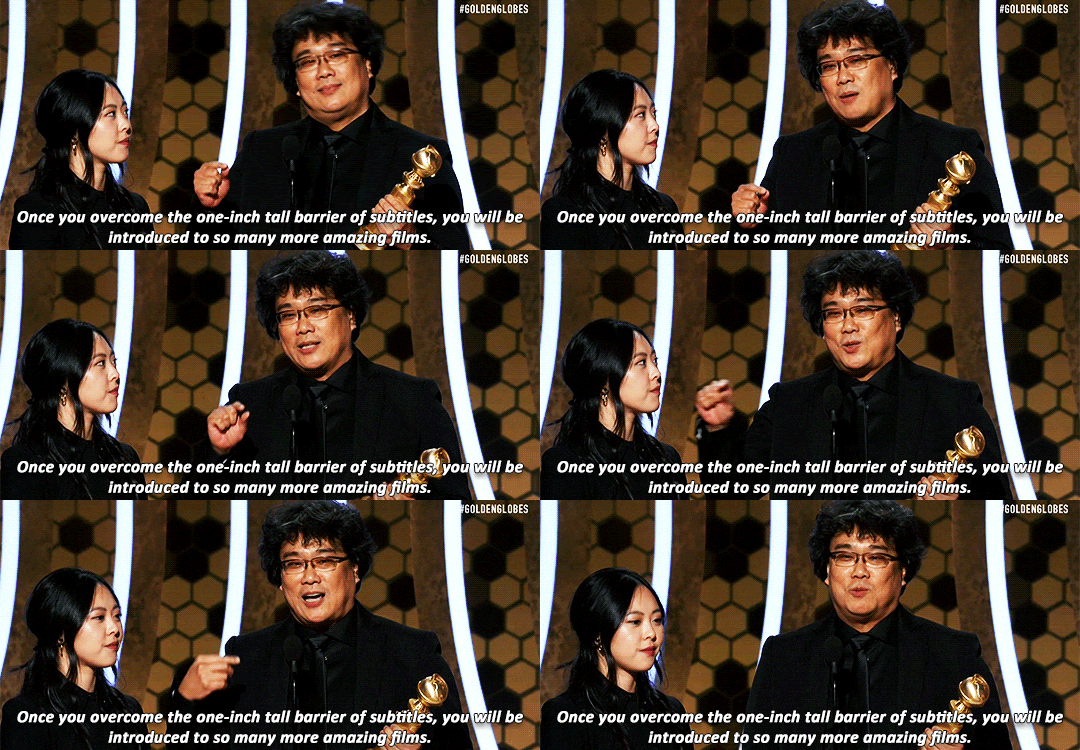
Subtitles assume the viewer can hear and are often included if your video is going to be watched by people who might not all speak the same language.
Transcript
To make your video fully accessible include a transcript (a written version of your video) too.
That way you can include supporters who might use screen readers too!
Tools to check out
YouTube. Videos uploaded to YouTube are automatically subtitled by their system.
REV. Send your videos to their super-fast team and receive subtitled videos back to your inbox without the fuss.
Otter AI. Access captions in your own browser, by turning on Otter AI when watching something that uses your mic or computer audio. It’s a great tool for transcribing too!
AI Media. Talk to text subtitles with 99% accuracy for live-streamed events.