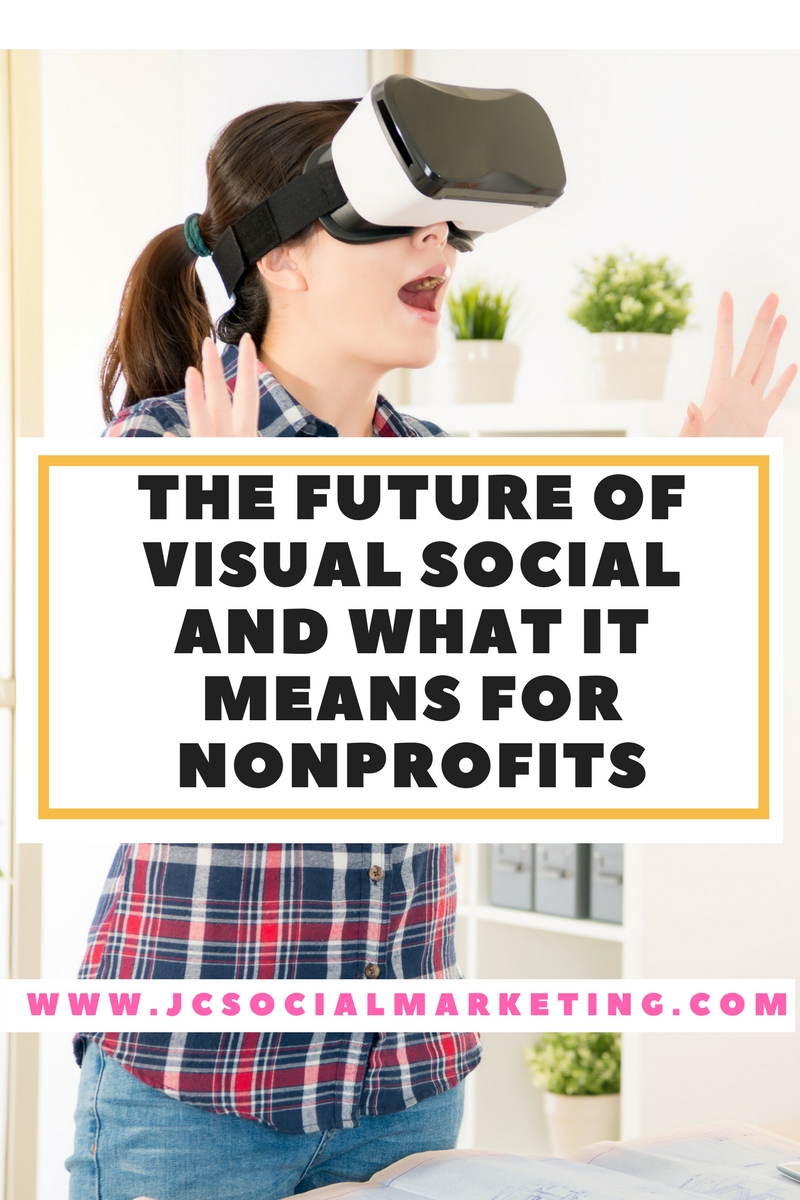
 The Facebook News Feed launched as a platform solely for text. In the subsequent decade, it has expanded to include pictures, video, and live streaming 360-degree broadcasts.
Last week, Facebook announced the imminent release of their brand new $200 virtual reality headset, one that doesn’t require a phone or PC to power it.
With the explosion of visual sites like Instagram, Pinterest, and Snapchat, cutting through the noise and clutter and getting noticed requires a focus on visual social content.
Attention is at a premium going into 2018, and we know that a bland photo slapped together with a boring caption just doesn’t cut it anymore.
Tools like 360 video, augmented reality, virtual reality, interactive visual experiences, and even simple 24-hour disappearing content like Instagram Stories have captured consumers’ imagination and time.
There are several free and low-cost visual creation tools available that are making visual marketing a bit easier, but there are still many challenges faced by marketers.
Social Tools Summit
I recently moderated a dynamic panel of distinguished visual marketing experts at the Social Tools Summit in Boston.
My panel was entitled: “Pics, Videos, and Infographics, Oh My! The Future of Visual Social” – one of my absolute favorite topics.
While the audience at this summit mostly consisted of business owners and entrepreneurs, the lessons of the summit are certainly relevant to savvy nonprofit marketing professionals and practitioners.
If nonprofits are ignoring visual social, they are missing out on opportunities to get their content to stand out in an increasingly more demanding, cluttered, and noisy online world.
Images, videos, and graphics are absolutely vital to enhance and elevate social media posts, tweets, and content – but, increasingly, they ARE the message.
The increased popularity and engagement on predominantly visual social networks like Instagram, Pinterest, and Snapchat are living proof.
Watch the video where I give you the low-down of what I learned at the Summit, and my 5 best social tools tips for nonprofits. Click here to watch the re-play.
How Can Small Shops Keep Up?
During the panel, we addressed the following questions, and more:
- For businesses that think they don’t have visual content to share, what is a good strategy?
- What is the future of visual social?
- How is virtual reality and augmented reality technologies playing a part in marketing?
- How can small brands use 360 video and other video experiences?
- How can you measure the return on investment with some of these tools?
- What social listening tools are relevant to visual social and how are they used?
- What are the roadblocks that small brands encounter in getting interesting visual content?
- For “unsexy” or “technical” niches and causes, how can the marketing person get creative?
- How can a small brand explain complicated concepts using visual social?
- How do you organize your visual content to maintain a cohesive narrative?
- How do brands leverage livestreaming video? What do they get out of it?
- How does your visual strategy change from B2B and B2C?
- What channels or tools are you most excited about?
- What technologies are you experimenting with and what lessons are you learning?
- What is the first step that a small brand can take to keep up with the pace of technological change?
Watch the video where I give you the low-down of what I learned at the Summit, and my 5 best social tools tips for nonprofits. Click here to watch the re-play.
My Top Tips for Nonprofits Using Visual Social
Focus your website on visuals.
Google has found that you have two seconds to grab someone’s attention with your website, and that starts with great visuals.
Photos and videos should dominate the most prominent parts of your home page (and other website pages), not big blocks of text.
Resource: 10 More of the Best Nonprofit Websites by Jeff Kline
Use Instagram filters (they’re free).
We all have smartphones and/or tablets, and that means we can all get the Instagram app.
The best way to get great visuals for your nonprofit is to create them yourself. Snap some photos of the volunteers, the back office, even clients if they are amenable.
Using Instagram, add a filter, and you end up with a professional-looking photo!
Resource: 10 Inspiring Nonprofits on Instagram by Matt Petronzio
Get photos from fans to share.
Ask your supporters and your fans to share their photos!
The Trustees of the Reservation asked their Instagram followers to go on an Instagram scavenger hunt with them, snapping photos in certain locations and conditions and sharing them using the hashtag “FrostyFun2014.
Resource: How to Get User-Generated Content from Supporters by The Connected Cause
Turn your annual report into a visual.
Let’s be honest. Who really reads that 30 page, glossy, super-expensive and wordy monster of an annual report?
Why not be more cost and time-effective and create a great visual to share with your supporters?
A great example of this is the Fiscal Year 2013 in Review from the Greater Boston Food Bank.
Oxfam thanks donors and details where donations go in this simple visual.
Resource: Making the Annual Report a Visual Story with Instagram by Cassie Dull
Use faces in your visuals.
A close up of one or two people works so much better than a faraway shot of a group of people (I’m looking you, people who post shots of their Board retreats).
Facebook is called FACEbook after all – we like to see photos of faces! (And the other social networks are following suit.)
No more posting photos from the back of the room with people’s heads down, no more far away fuzzy group shots.
Get closer and get personal, and reap the benefits in terms of community engagement!
Resource: 40 Tips to Take Better Photos by Lisa Clarke
Visual Social Resources
I have addressed the topic of visual marketing for nonprofits in several blog posts:
10 Tech Innovations That Will Revolutionize the Sector
What You Don’t Know About Visual Marketing On Facebook
10 Ways Nonprofits Can Succeed with Visual Marketing
Pinterest, Instagram, and Creating a Visual Online Brand
For more Visual Marketing articles and resources, visit my Pinterest board on the topic.
Watch the video where I give you the low-down of what I learned at the Summit, and my 5 best social tools tips for nonprofits. Click here to watch the re-play.
What questions do you have about visual social, and the future of visual marketing? Share them in the comments!
NEW AND UPDATED - The Ultimate Guide to Creating Nonprofit Graphics!

Sign up to receive a copy of my free ebook, the Ultimate Guide to Creating Social Media Graphics, NEW and UPDATED with even more tools and apps!
I provide you with all the tips and secrets that I use in my business and with my nonprofit clients, including examples of over 30 free and low-cost platforms you can start using today!